 ReadLevel AI
Find any book's reading level from a photo.
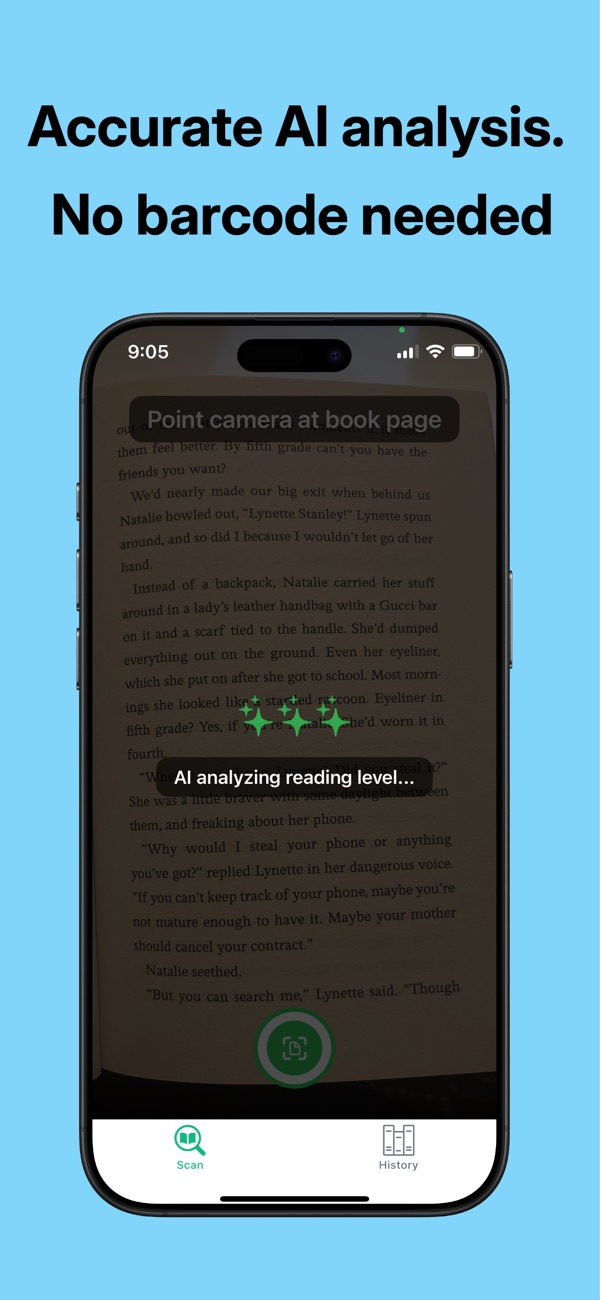
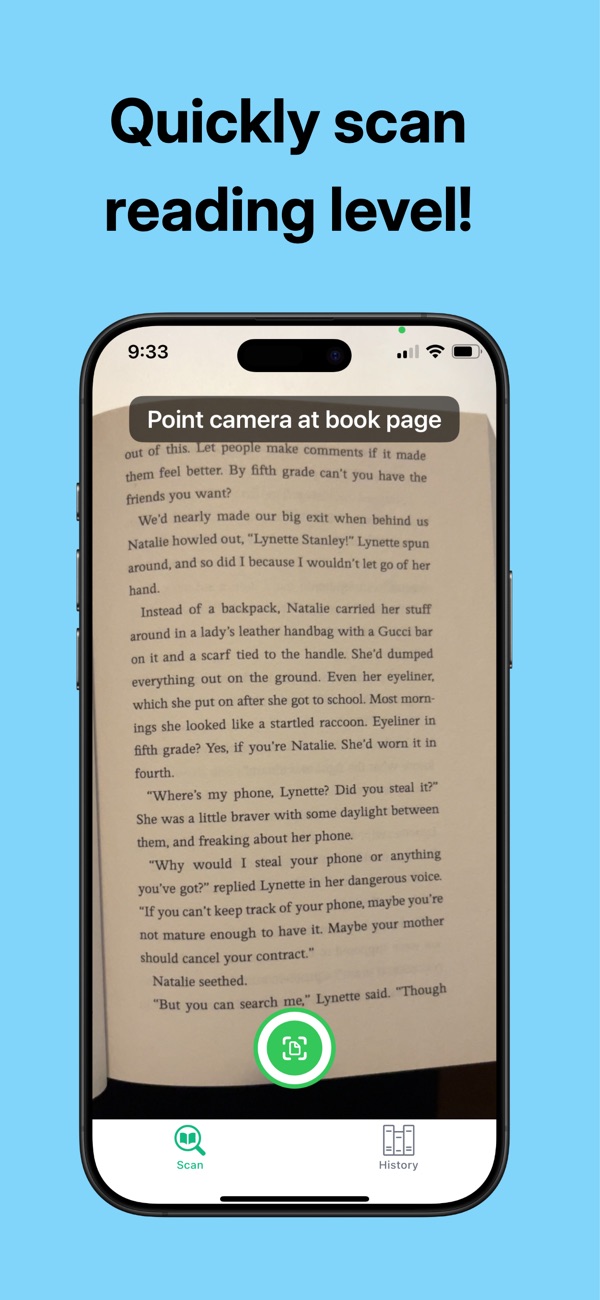
Point your iPhone at a page. ReadLevel AI reads the text and tells you the age range, grade level, and an estimated reading level in seconds.
- No barcode needed
- Works in many languages
- No account to sign up for
Is this book the right level?
Answer that in a few seconds, standing in the library aisle or at the classroom shelf.
Parents
Check whether a library or hand-me-down book fits your child before you bring it home.
Teachers
Level a classroom library quickly, including donated and older books with no level on the cover.
Homeschoolers
Pick read-alouds and independent reading that match each child's grade.
Language learners
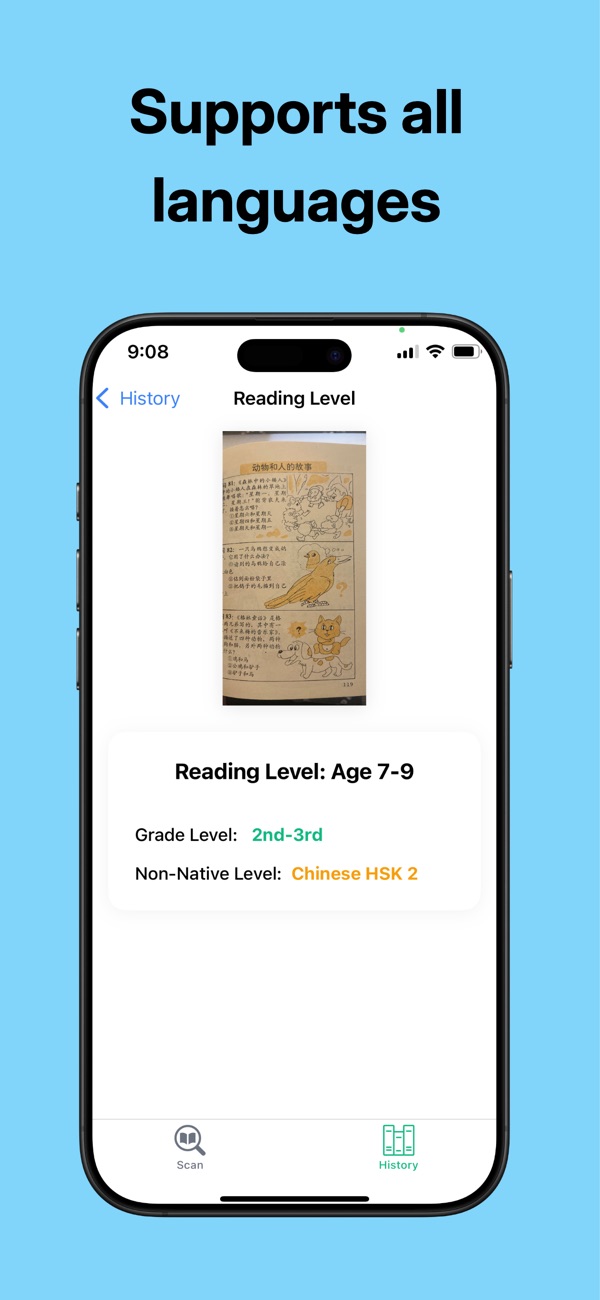
Get CEFR or HSK estimates for books in Spanish, Chinese, French, and other languages.
No barcode? No problem.
Most leveling apps look up a barcode in a database. If the book isn't in the database, or the barcode is covered by a library sticker, you're stuck. ReadLevel AI reads the words on the page instead, so it works with:
- Library books with stickers over the barcode
- Old, used, and hand-me-down books
- Photocopies, worksheets, and printed handouts
- Small-press and self-published books with no ISBN
- Books in other languages
Three steps, a few seconds
-
Open a page
Pick a full page of regular text from the middle of the book.
-
Point and tap
Aim your iPhone camera at the page and tap the scan button.
-
Get the level
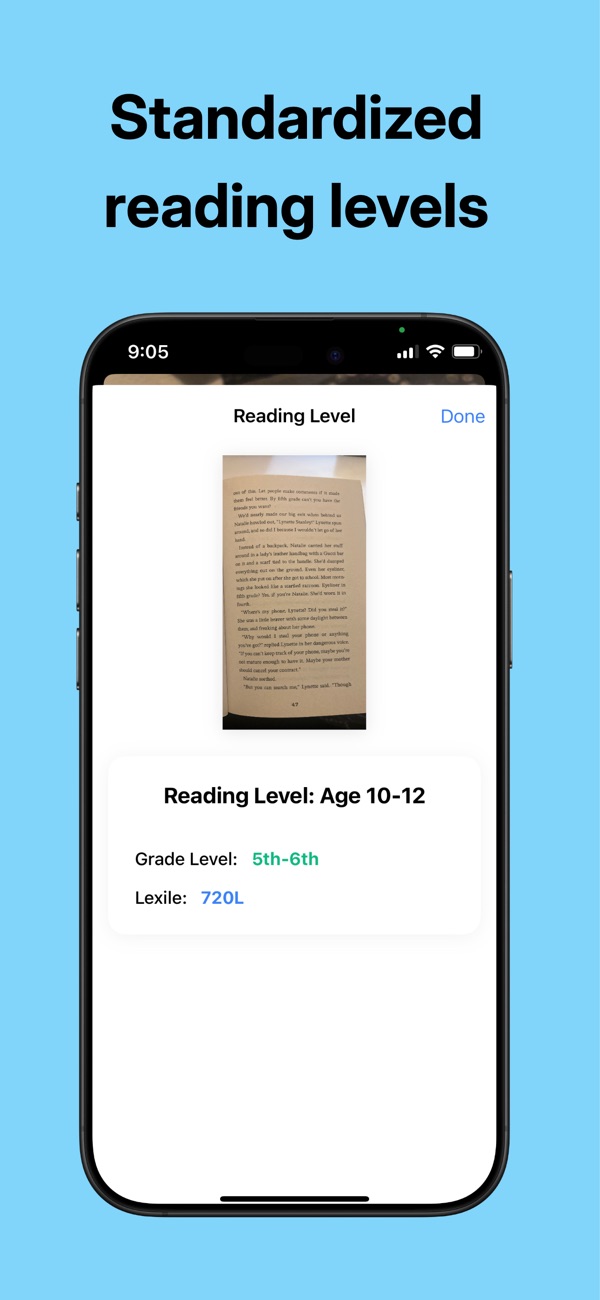
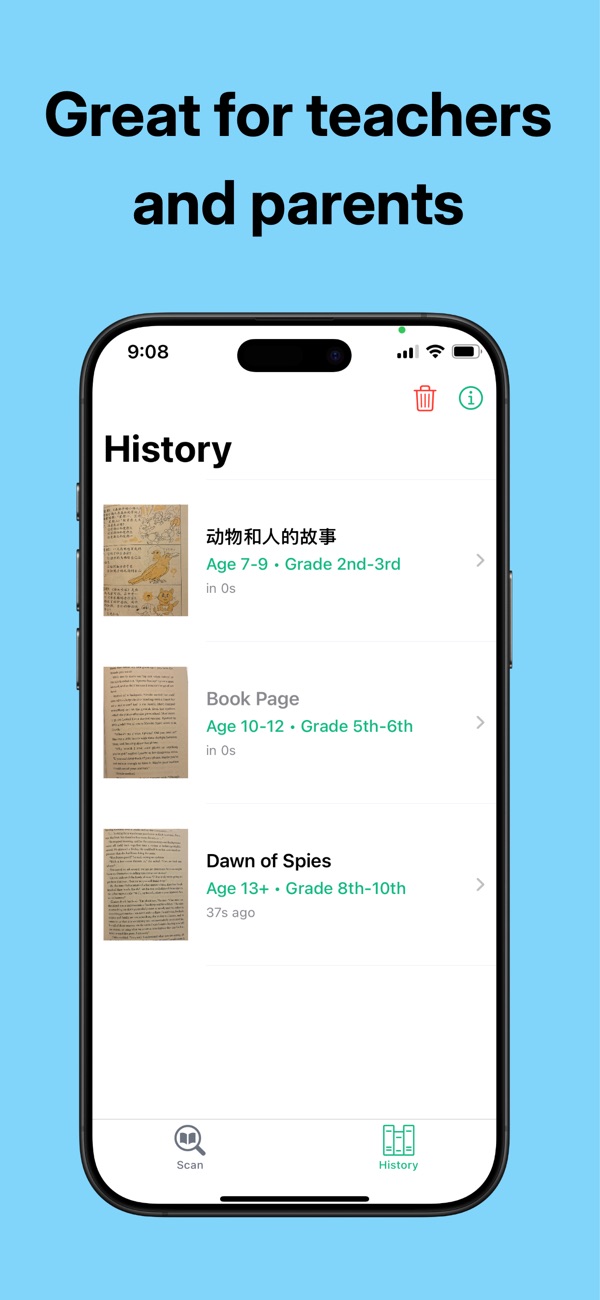
See the age range, grade level, and a reading level estimate. Every scan is saved to your history.
Read the full guide: how to find a book's reading level without a barcode →
Levels you already know
- Age range, like 8–10 years
- Grade level, like 3rd–4th grade
- A Lexile-style estimate for English books, like 720L
- CEFR levels (A1–C2) for European languages and HSK levels for Chinese
- Scan history so you can compare books later
Results are estimates based on vocabulary, sentence structure, and how complex the text is. They are not official publisher measures.
See it in action
Free to download
Try it on your own books first. If you need more scans, you can buy them in the app.
- Free download with free scans to try it out
- Scan Pack for occasional use, no subscription
- Monthly and Pro Monthly plans for families and teachers who scan often
Prices are shown in the app and on the App Store. Subscriptions can be cancelled anytime in your iPhone's Settings.
Questions
How do I find a book's reading level without a barcode?
Open ReadLevel AI, point your camera at a full page of text, and tap scan. The app reads the words themselves, so it doesn't need a barcode or ISBN. See the full guide.
How accurate is it?
It gives an estimate based on the text on the page you scan, the same kinds of things teachers look at: vocabulary, sentence length and structure, and how complex the ideas are. For the best result, scan a typical page from the middle of the book rather than the title page or a page of mostly dialogue.
Is the Lexile number official?
No. ReadLevel AI gives a Lexile-style estimate so you can compare it with levels you already use. Official Lexile measures come from MetaMetrics.
What languages does it support?
English and many other languages, including Spanish, French, and Chinese. For other languages you get an age and grade estimate plus a learner level such as CEFR or HSK.
Do I need an account?
No. There's no sign-up. Just download the app and scan.
What devices does it work on?
iPhone with iOS 16 or later.